
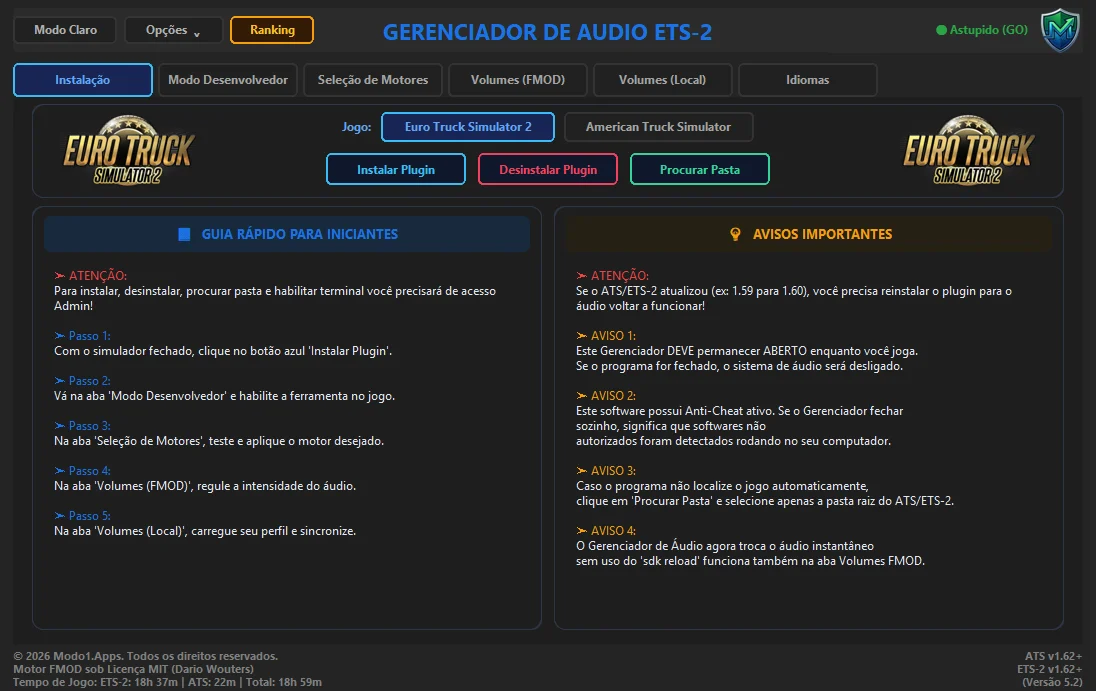
ETS-2/ATS AUDIO MANAGER v5.2.2
2 views· 0 downloads
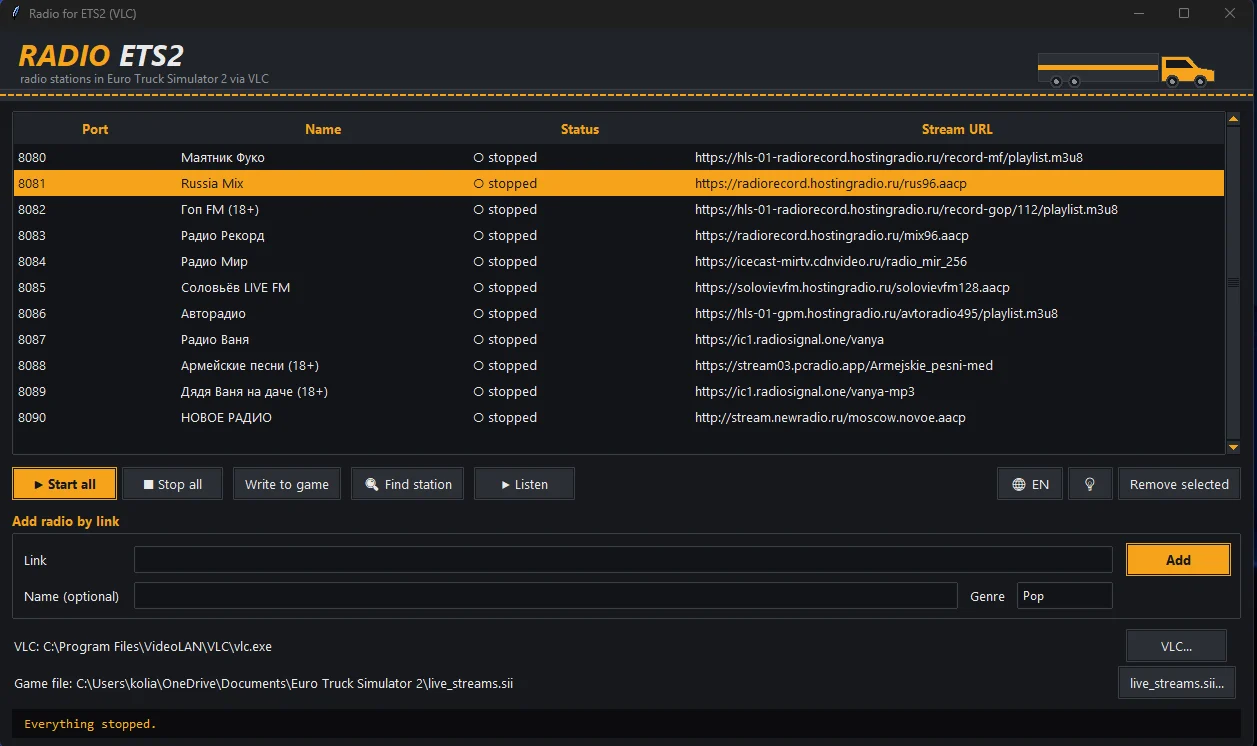
Radio for ETS2 lets you listen to any online radio station while playing, not just the stations supported by the game.
Installation:
1. Install VLC if it is not already installed.
2. Extract the archive to any folder and run ets2_radio.exe.
3. Specify the paths to VLC and live_streams.sii.
4. Click “Write to Game,” then click “Launch All.”
5. Launch the game and enjoy your radio stations.
Credits:
BaNaNcIk333
[Mirror]
No comments yet. Be the first to comment!
You must log in to comment and interact with the community.