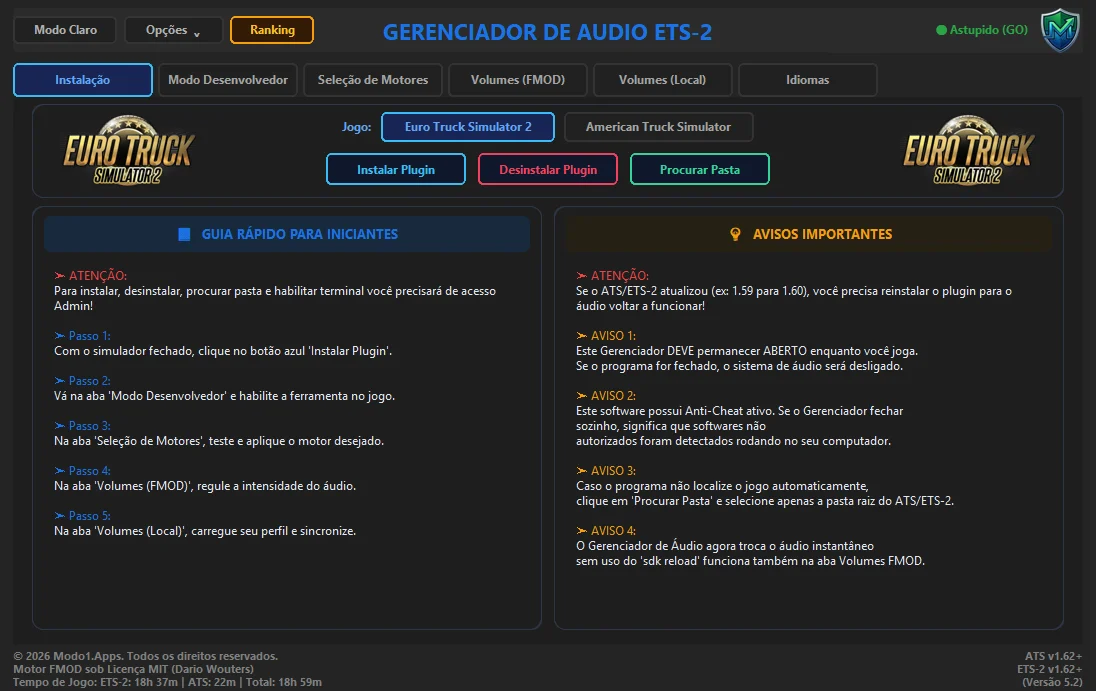

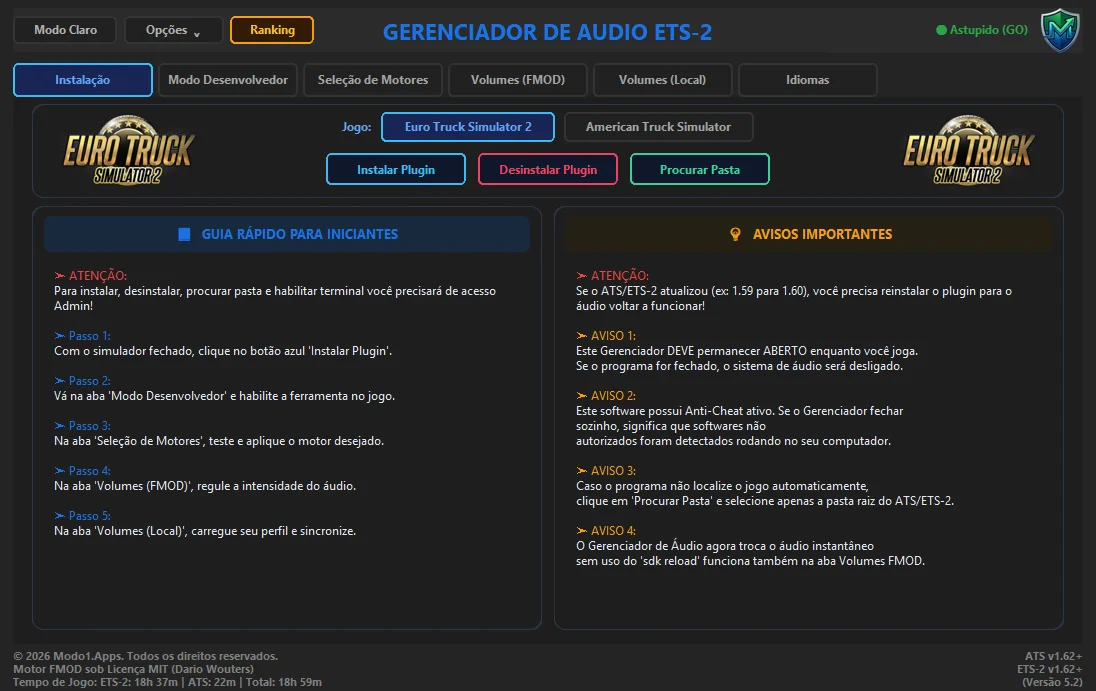
ETS-2/ATS AUDIO MANAGER v5.2.5
9 views· 2 downloads
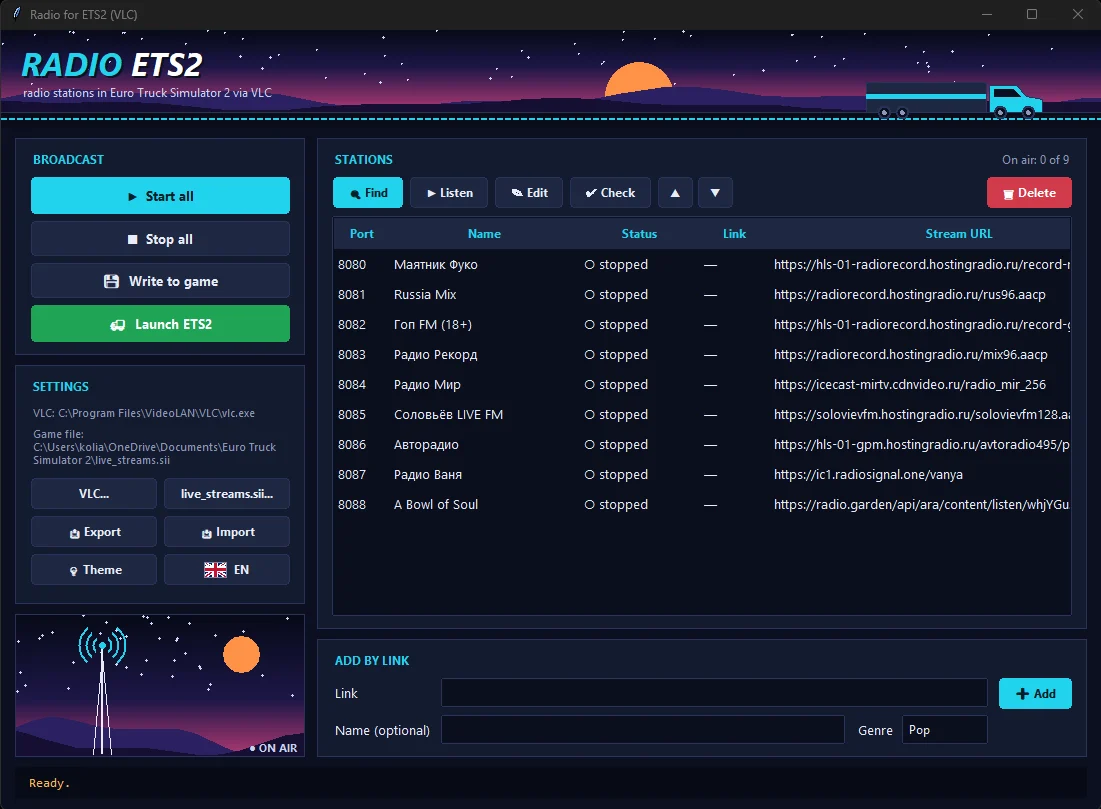
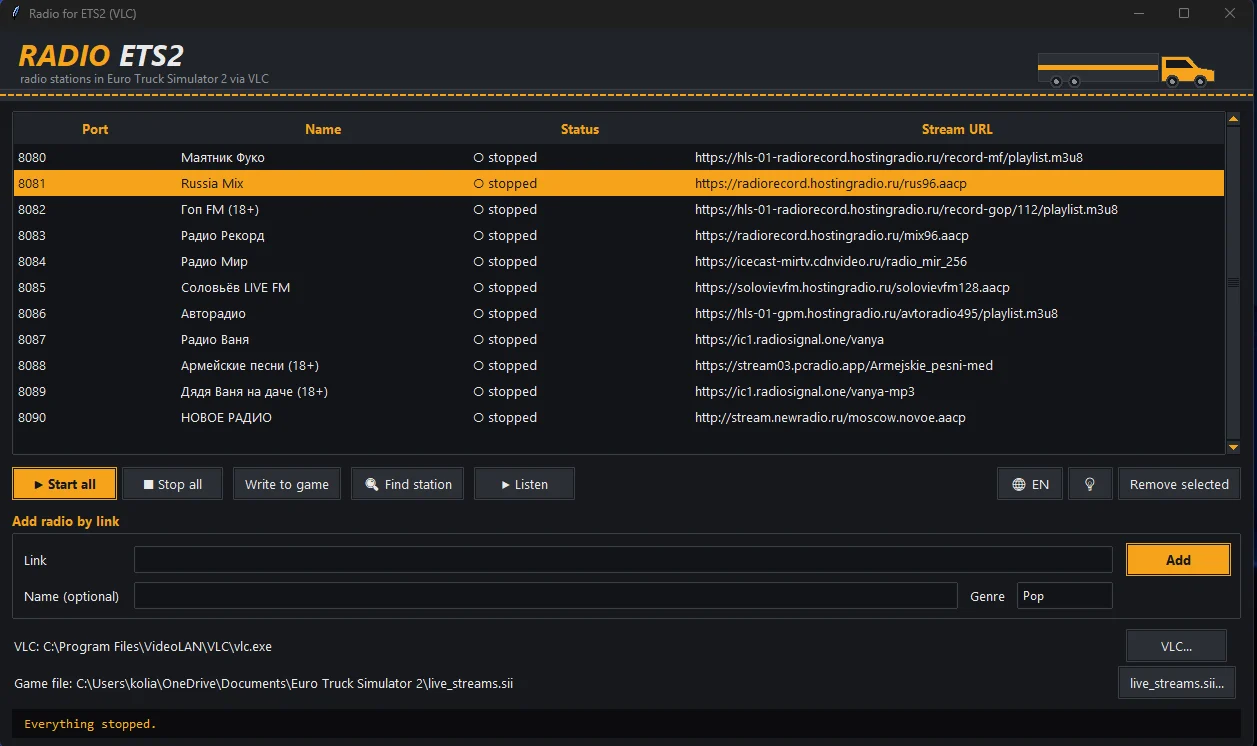
RADIO ETS2 is a handy utility for Euro Truck Simulator 2 that lets you listen to online radio stations through the in-game player, regardless of their streaming format.
Installation:
1. Install VLC media player if it is not already installed.
2. Extract the archive to any folder and run the program.
3. In the Settings section, specify the paths to vlc.exe and live_streams.sii.
4. Use the search feature to find and add the stations you want.
5. Click the “Write to Game” button, then click “Launch All”; after that, you can enter the game and enjoy the working radio stations.
Credits:
BaNaNcIk333
No comments yet. Be the first to comment!
You must log in to comment and interact with the community.