

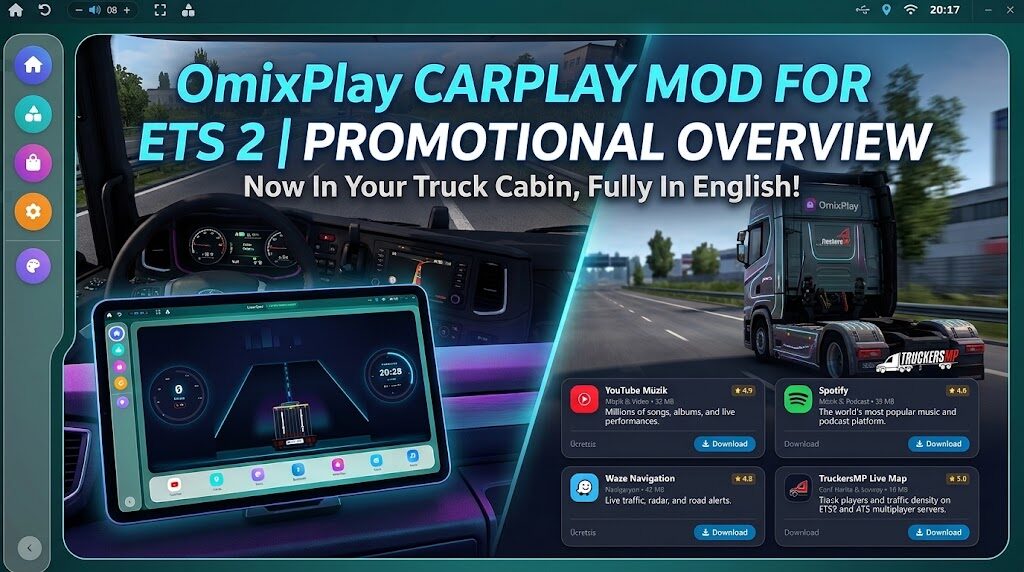

Mod Açıklaması
Select Language:
Choose “English” in the initial language selection dialog and click OK. (The chosen language will automatically apply to the application).
Complete Installation:
Follow the wizard prompts to choose the installation directory.
Check “Create Desktop Shortcut” if desired.
Click “Install” to complete the setup.
Launch Application:
Launch OMIX Cockpit from your desktop shortcut or Start Menu.
OMIX automatically interfaces with SCS Telemetry over UDP port 48153:
Launch the Game: Start ETS 2 or ATS.
Real-Time Sync: As soon as your truck engine starts, OMIX will display live speedometer, RPM, gears, speed camera alerts, fuel, and cargo job details.
Simulation Mode: When the game is not running, OMIX automatically activates internal telemetry test data.
Credits:
omixmod
Yorumlar 0
Henüz yorum yok. İlk yorumu sen yap!
Sohbete Katılın
Yorum yapmak ve toplulukla etkileşime geçmek için giriş yapmalısınız.