

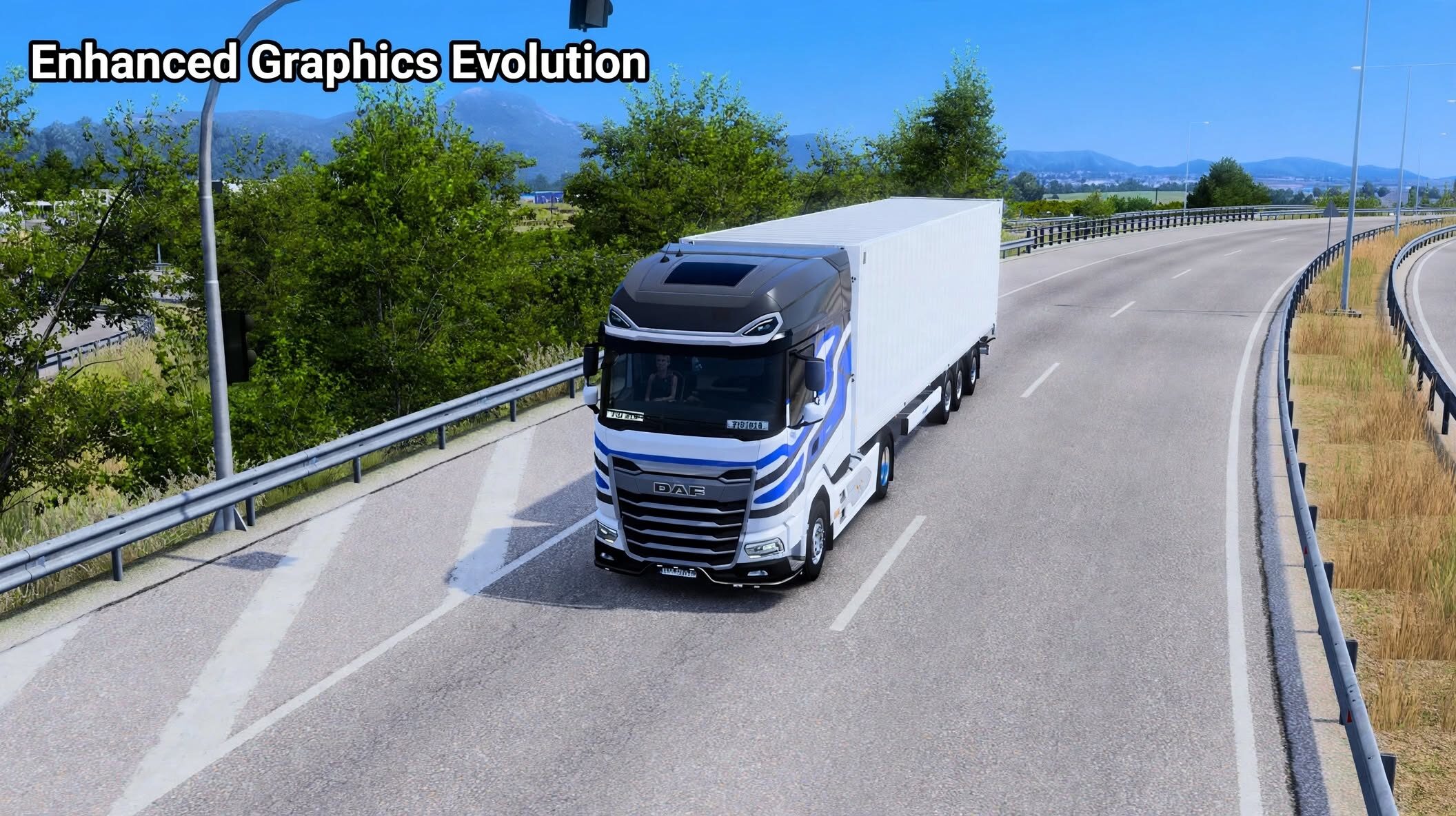

Mod Açıklaması
What does the plugin offer?
Lighting and shadows
Colours and overall image appearance
Bloom — a soft glow around bright elements
Vehicle and wet-road reflections
Raindrop impacts on wet ground
Detailed windscreen rain controls
Vegetation controls
NVIDIA DLAA — anti-aliasing
Game render scale
Installation — step by step
Close the game and extract the downloaded plugin package.
Open your ETS2 or ATS installation folder, then navigate to binwin_x64plugins. Create the plugins folder if it does not exist.
Copy ege.dll, ege.ini and the entire EGE folder into it. The ege.dll file and EGE folder should sit directly beside each other, without an extra folder between them and plugins.
Launch the game in DirectX 11, 64-bit mode.
Press END during gameplay to open the panel. Choose a preset or adjust the settings, then use Save changes to keep your configuration.
If you play both games, install the plugin separately in each game’s folder.
Credits:
Piotrek
Yorumlar 0
Henüz yorum yok. İlk yorumu sen yap!
Sohbete Katılın
Yorum yapmak ve toplulukla etkileşime geçmek için giriş yapmalısınız.